
When a Flawless MacBook Pro M3 Dies With No Warning: How Schematics Saved a Client's Lifeline
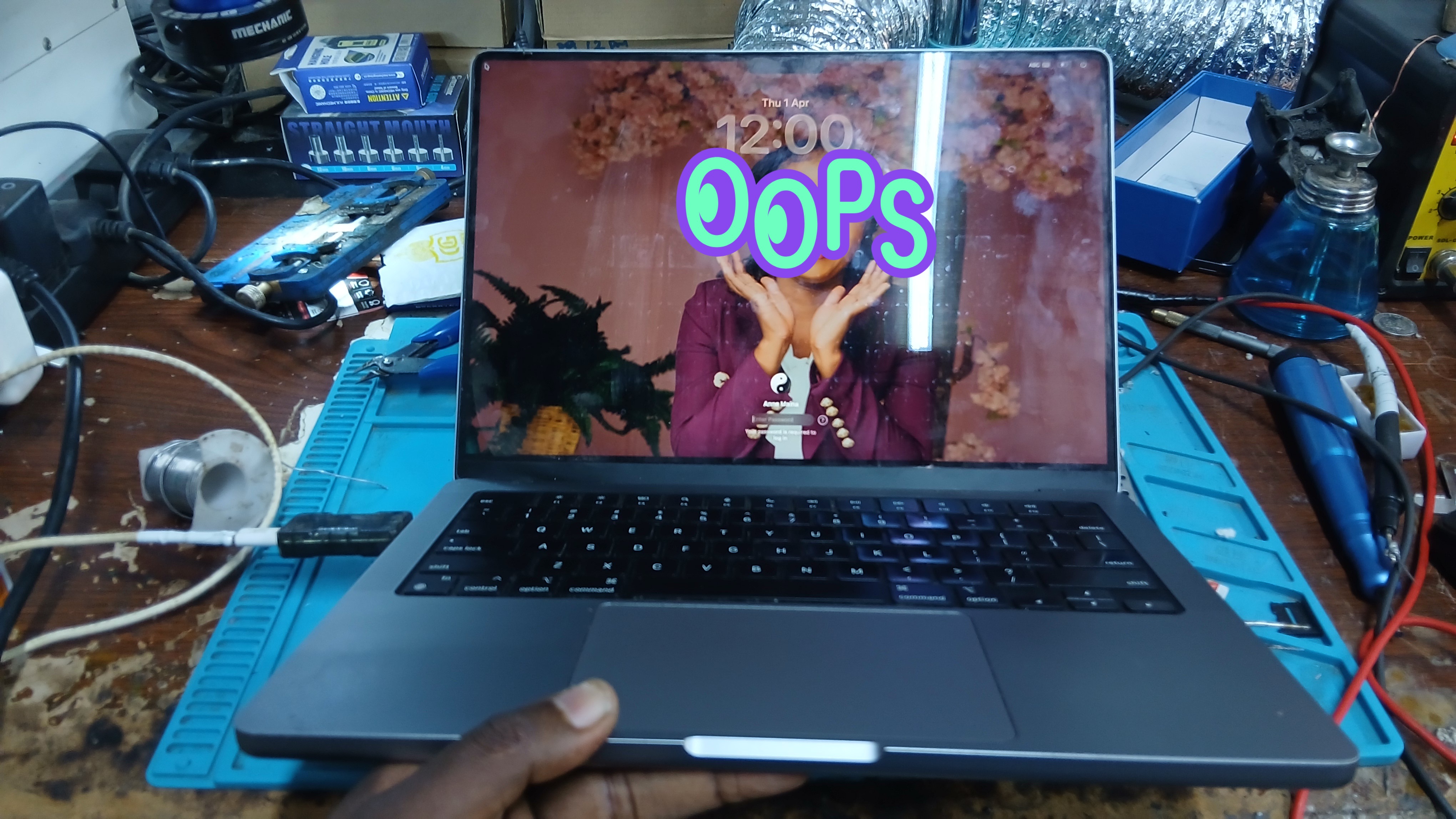
Free triage assessment, component-level micro-soldering & zero data loss.
The Story Under the Microscope
When a device arrives at our workshop bench, our inspection microscope tells an immediate story.
Most laptops tell tales of turbulent lives: dented aluminum corners from a drop onto tile, dust packed into the cooling fins, sticky residue around the keycaps from an old coffee spill, or scratches across the anodized finish.
Then, there are the rare ones.
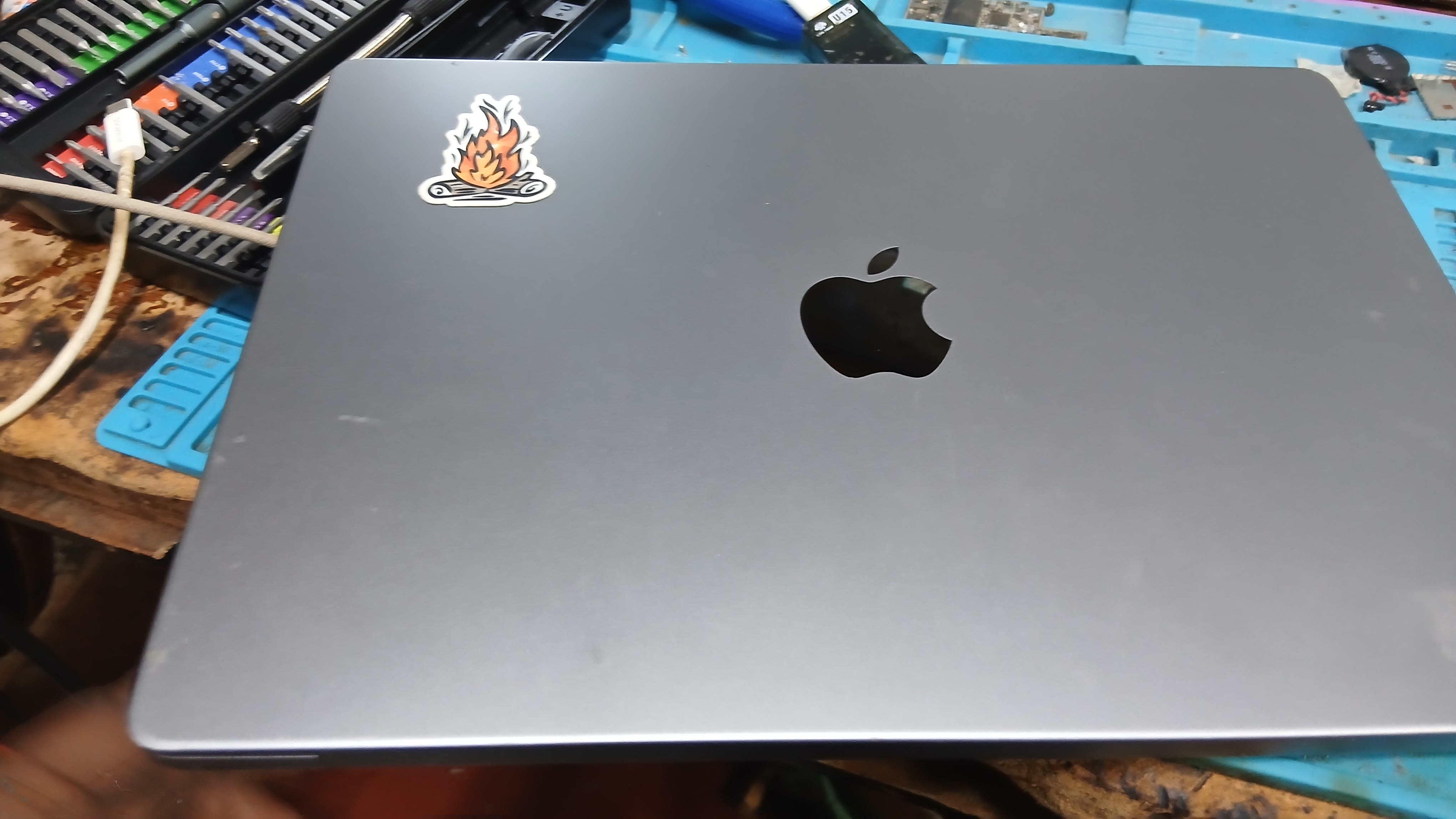
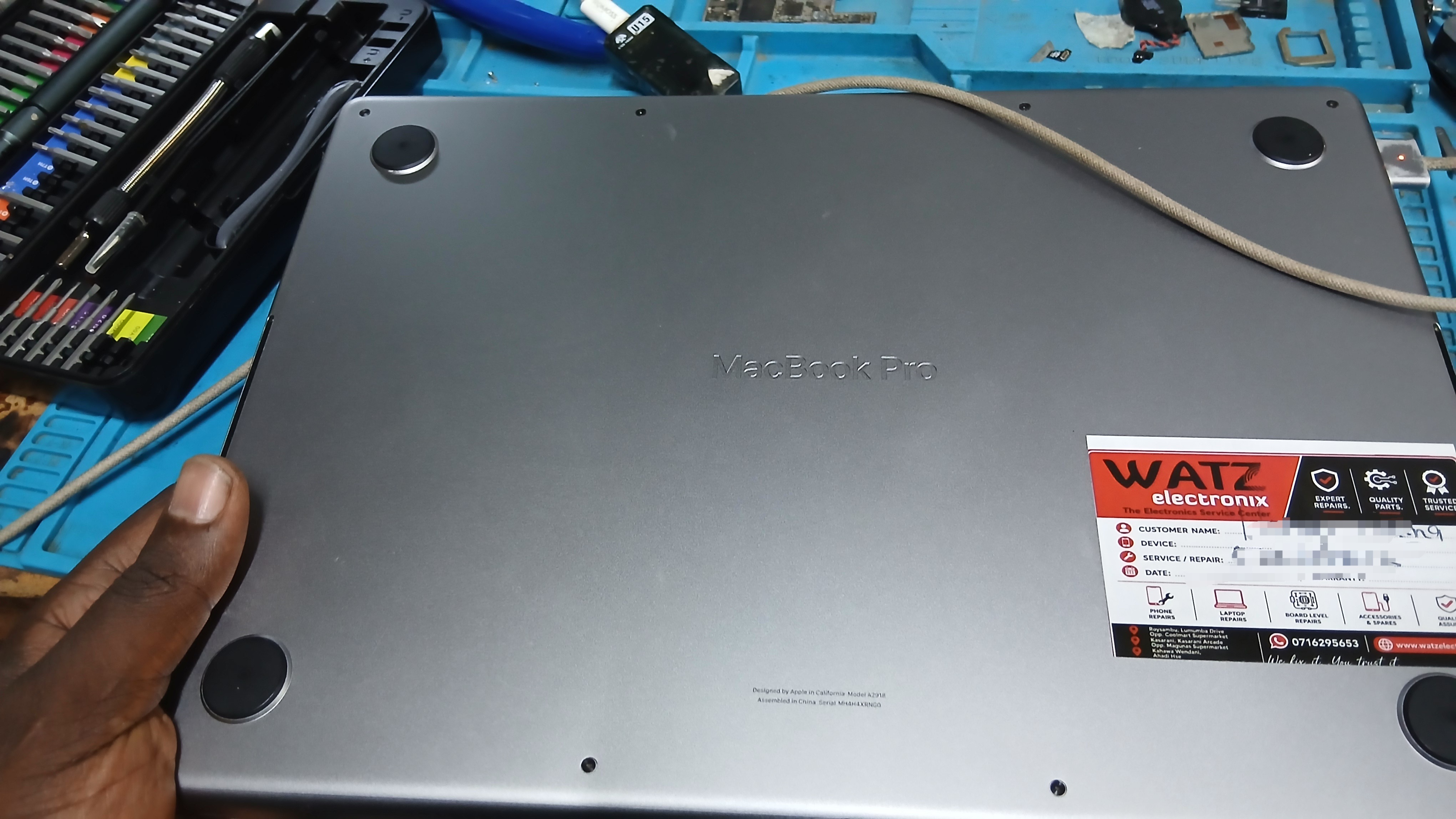
Last week, a client walked into our workshop carrying a MacBook Pro M3. She had purchased it brand new directly from an Apple Store. As she set it down on our intake counter, you could immediately see the reverence with which she treated this machine.
Not a single scratch on the chassis. The display was pristine. The keyboard showed zero grease, the USB-C ports were immaculate, and there wasn’t a single drop of liquid anywhere in its history. This MacBook was not just a luxury device; it was her entire professional livelihood, her daily creative sanctuary, and her critical work lifeline.
And without a single stutter, drop, or warning sign, it simply went pitch black. It refused to turn on, refused to take a charge, and sat completely dead.
The Weight of Gaining Real Trust
When an authorized service center looks at an Apple Silicon logic board in this state, the answer is almost always the same: “Total logic board replacement required. Cost: over KSh 80,000 to KSh 120,000. All unbacked-up data will be wiped.”
She came to us feeling anxious, protective, and visibly heartbroken. Handing over a machine you have babied since day one to a third-party repair workshop is terrifying. She needed more than just a repair quote—she needed reassurance that we would treat her machine with the exact same level of care and discipline that she had shown it every single day.
We made her a promise: no hurried prying, no blind heating, zero data loss, and pristine bench handling. Every screw, grounding bracket, and ribbon cable would be treated with precision.
Under the Microscope: The Deceptive Audio Preamp Short
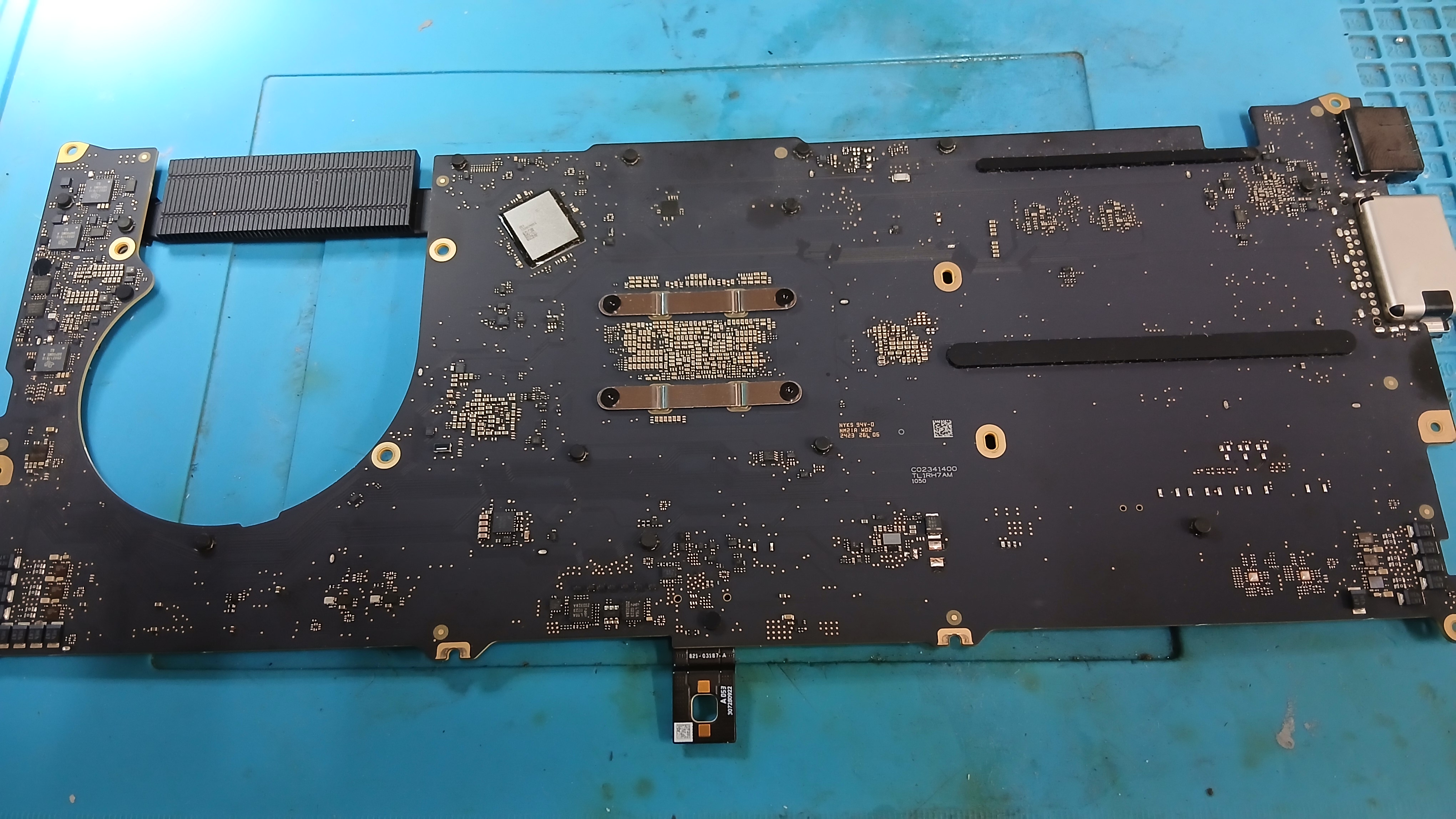
Once the bottom case came off and the board was safely isolated on our anti-static bench, we began our multimeter diode-mode assessments.
Apple Silicon logic boards are tightly integrated architectural marvels. When a power rail collapses, safety circuits trigger an immediate shutdown to protect the M3 SoC.
Our first multimeter readings showed a dead short to ground (0.000V in diode mode) immediately surrounding the audio preamplifier ICs on both channels of the board.
In day-to-day board repair, audio amplifiers and their local decoupling capacitors are frequent suspects. When high-transient audio spikes occur, tiny ceramic capacitors can rupture internally and short out. It would have been easy for a technician in a rush to pull those audio ICs or pop off nearby capacitors blindly with hot air.
We checked our readings again: both sides were shorted simultaneously. Two independent audio amplifier circuits failing at the exact same second without physical damage or liquid ingress? Statistically, that is almost impossible.
Working Backwards: Unmasking the PP3V8_AON Power Rail
Instead of guessing and stressing the board with heat, we pulled out the boardview and factory schematics. We needed to understand what bridge linked these two separate audio sections.
Following the schematic traces backwards from the amplifier power pins, the culprit emerged:
Neither the audio ICs nor their local filtering caps were the source of the short. Both amplifiers were being fed by Apple’s primary 3.8V power rail (PP3V8_AON)—an “Always-On” critical bus that powers auxiliary power management circuitry, audio stages, and standby rails across the entire M3 system architecture.
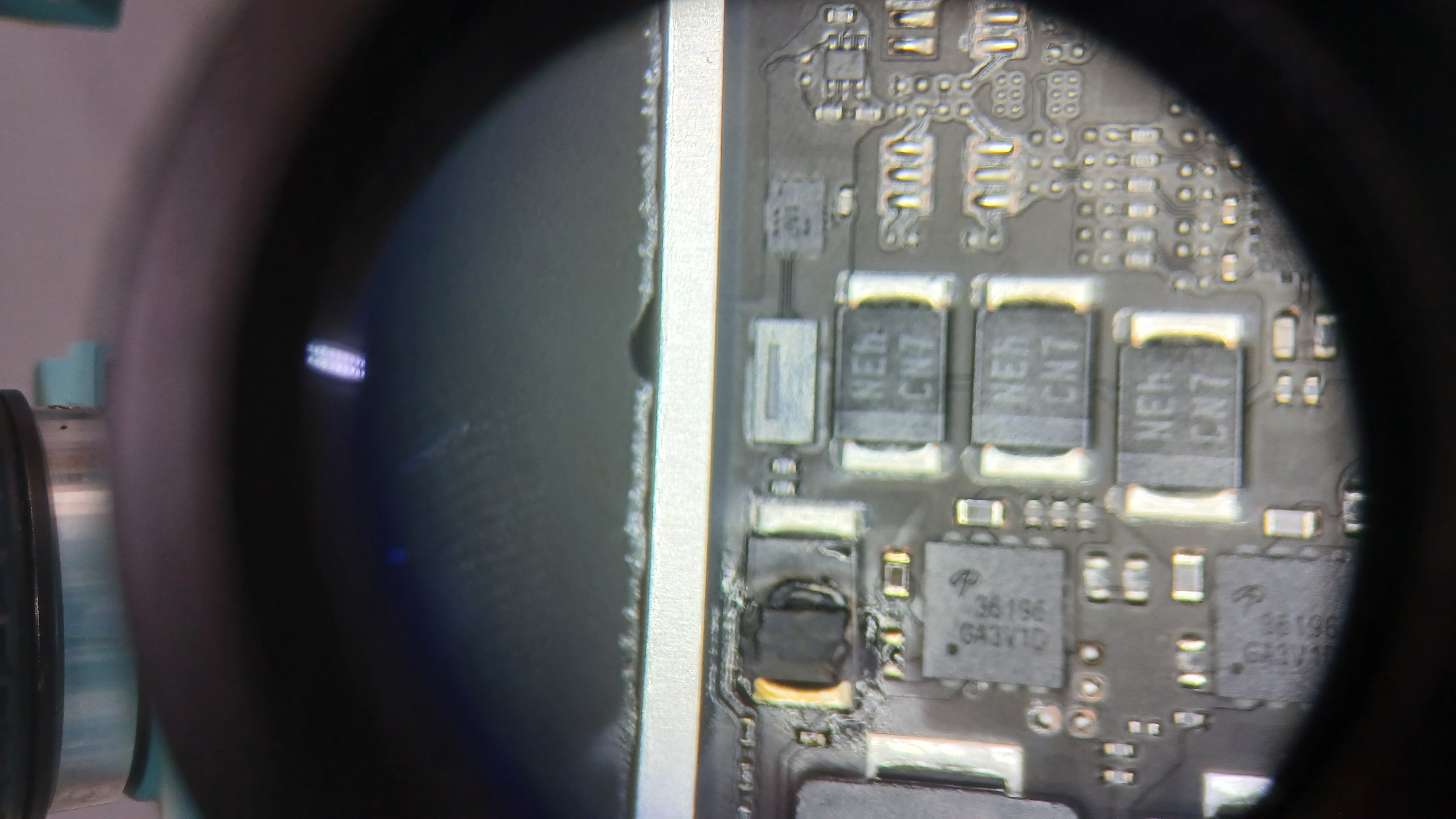
A tiny ceramic capacitor located further up along the 3.8V line had degraded internally and bridged directly to ground. Because PP3V8_AON connects across multiple sectors of the board, it dragged the entire rail to 0V. The system detected the short on standby startup and refused to deliver power, saving the M3 processor from catastrophic damage.
Using thermal imaging and micro-voltage injection calibrated safely beneath the rail’s nominal voltage, we pinpointed the exact microscopic capacitor that had shorted out.
Under the stereomicroscope, we cleanly desoldered the defective component, cleaned the copper pads, and installed an original-spec replacement from our donor stock.
The Moment the Apple Logo Returned
We plugged our USB-C digital ammeter in.
Instead of sitting frozen at 5V 0.00A, the meter negotiated:
The screen lit up with the crisp Apple logo, followed immediately by her familiar lock screen.
Every file, application, document, and project was intact. Not a byte of data lost. Not a mark on the motherboard. Not a scratch on the aluminum chassis.
When she returned to collect her MacBook, her relief was palpable. Seeing her machine restored to full health—without an expensive board swap and without losing her work—is the reason we invest in precision micro-soldering tools, programmers, and schematics.
A laptop isn’t just silicon, copper, and glass; it is people’s hard work, trust, and livelihood. We treat every repair on our bench with that exact understanding.
Is Your MacBook Dead or Not Charging?
Avoid unnecessary KSh 80k+ board replacements. Our lab diagnoses power rails, shorts, and liquid damage at the component level with zero data loss.
* Voice calls strictly connect to our branch technician desk. WhatsApp connects directly to central engineering triage.